You wake up in the dead of night. One side of your head is filled with the peaceful, masking hum of ocean waves. The other side is completely exposed to your partner’s chainsaw-level snoring. You pull out your phone, open the app, and there it is: your left earbud is sitting comfortably at 42%, while your right earbud is completely dead.
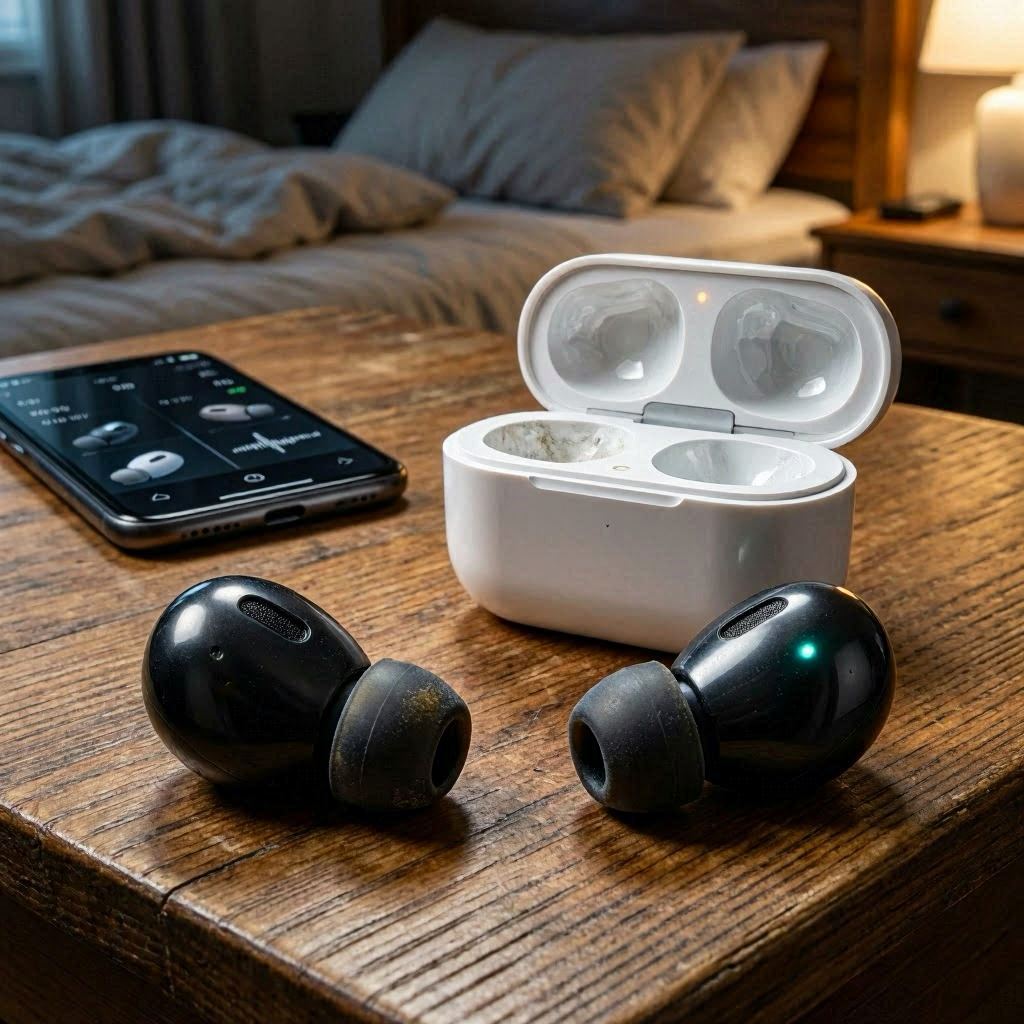
When searching for the best sleep earbud, we obsess over dimensions, weight, and silicone fin comfort. But the real engineering roadblock in 2026 isn’t making these devices small enough to fit into your ear; it’s keeping both of them alive simultaneously.
The single-side battery drain issue is the most persistent, frustrating complaint across Reddit forums and tech support logs. Here is a point-to-point breakdown of why one sleepbud always gives up early, and the unique tech challenges keeping engineers awake at night.
1. The Core Culprit: Primary vs. Secondary Architecture
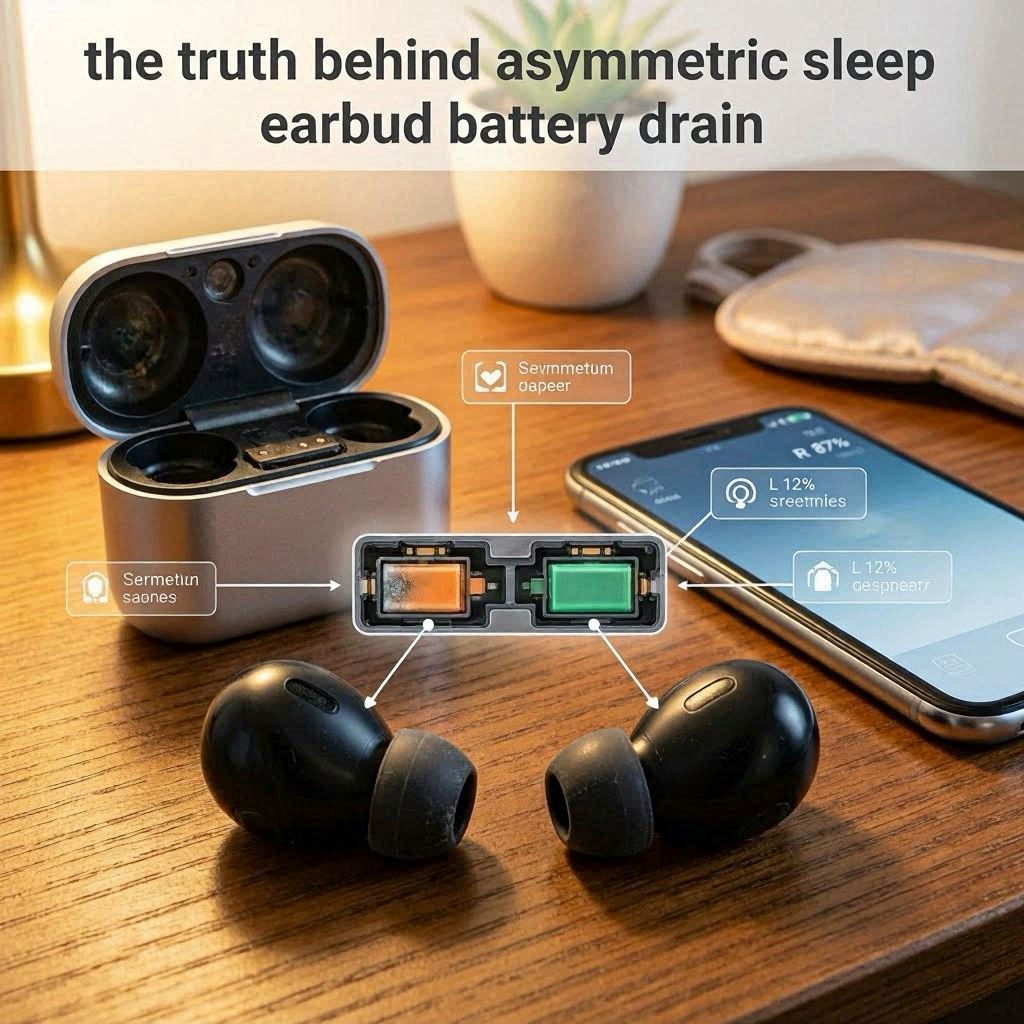
Despite advancements in Bluetooth tech, many dedicated sleep earbuds do not handle data symmetrically. They rely on a “Master/Slave” relay system, which inherently guarantees uneven power consumption.
- The Primary Worker: One earbud (usually the right by default) acts as the primary gateway. It does the heavy lifting: maintaining the Bluetooth handshake with your phone, processing incoming audio data, and tracking your sleep movements.
- The Secondary Mirror: The second earbud simply listens to the audio stream passed over to it by the primary earbud.
- The Energy Deficit: Because the primary bud operates a continuous, high-energy computational loop, it burns through its tiny 25mAh battery cell up to 25% faster than its twin. Manufacturers openly admit a 15–20% variance is “normal,” but over a 7-to-8-hour night, that variance means early shutdown.
2. The 2026 Head-Blockage Challenge (RF Attenuation)
Human bone and water are terrible conductors for high-frequency radio signals. When you wear traditional headphones, the Bluetooth signal bounces off walls to reach both ears. But when you are tucked into bed, the environment changes completely.
The Pillow Shield Effect
- When you roll onto your side, your ear is pressed deep into a pillow, and your skull sits directly between the phone on your nightstand and the buried earbud.
- If the primary earbud is the one buried under your head, it has to crank up its Radio Frequency (RF) transmission power to maximum output just to punch through your skull and maintain the connection.
- This constant power adaptation forces the buried earbud to drain exponentially faster than the earbud facing the open room.
3. Asymmetric Bio-Tracking and Sensor Micro-Loads
Modern iterations of the best sleep earbud do more than just play white noise; they act as sleep trackers. However, tracking your sleep architecture adds an uneven hardware tax.
[Side Sleeping Position]
       │
       ├──► Buried Earbud: Detects constant pressure/heat ──► Gathers 2x biometric data ──► High Battery Drain
       │
       └──► Open-Air Earbud: Minimal contact/friction ──────► Enters low-power state ─────► Low Battery Drain
- Micro-Movement Logging: Accelerometers and gyroscopes inside the buds detect tosses and turns. If you sleep predominantly on your left side, the left bud is under constant physical friction and pressure, causing its internal sensors to trigger and log data far more frequently than the right side.
- Smart Volume Adaptability: Many 2026 models feature ambient sound monitoring to mask sudden noises like barking dogs. If one ear is exposed to the room while the other is buried in the pillow, the exposed earbud’s microphone actively processes room acoustics and dynamically adjusts volume, burning extra milliwatts while the buried bud rests.
4. The “Dirty Pin” Charging Illusion
Sometimes, the single earbud drain isn’t a software problem; it’s a structural failure that happens before you even close your eyes.
- Sebum and Sweat Build-up: Because sleep buds sit inside your ear canal for 8 hours, they collect skin oils, sweat, and earwax.
- The False 100% Reading: When you drop the buds back into their charging case, a thin film of oil on the micro-pogo pins can create electrical resistance. The case reads the voltage drop and prematurely assumes the earbud is fully charged, displaying a green light.
- In reality, that problematic side only received a 60% surface charge, causing it to fail halfway through the night.
5. How to Fix and Balance Single-Earbud Drain
If you are trying to keep your current setup alive through a full REM cycle, try these strategic adjustments:
1. Cycle the “Primary” Designation
Open your manufacturer’s app and check if it allows you to manually swap the primary earbud. If you are a right-side sleeper, force the left earbud to act as the primary connection hub. This distributes the RF transmission load evenly.
2. Force Local Micro-SD/Storage Playback
Avoid streaming your sleep playlist via Spotify or YouTube all night. Use the native app to download pink noise or rain sounds directly onto the earbuds’ local flash memory. Running the buds in “Offline/Sleep Mode” completely cuts the Bluetooth power draw, minimizing the master-slave energy gap.
3. Alcohol Swab Routine
Make it a habit to clean the gold charging plates on the buds and inside the case with 99% isopropyl alcohol once a week. This ensures a true, deep charge overnight.
Until the best sleep earbud landscape universally adopts dual-connect infrastructure (where both buds connect to the host device independently) and transitions to solid-state micro-batteries, single-side drain will remain an inherent hurdle. To beat the system, buy models that prioritize offline local storage, keep your charging pins immaculate, and position your smartphone on the side of your head that faces the open room.